CYM050
Introduction to the Linux Command Line
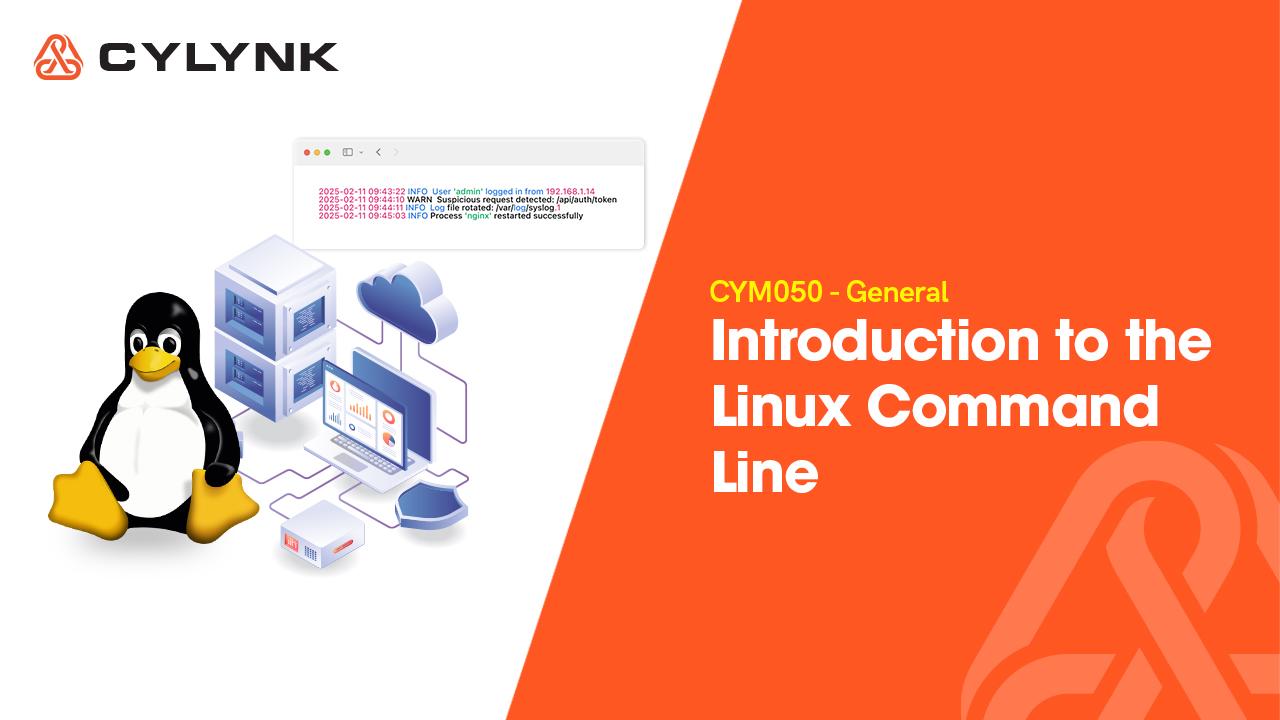
This beginner-friendly module introduces you to the essentials of Linux and the Command Line Interface (CLI), showing you how the system is structured and why it’s trusted in cybersecurity. You’ll also learn to navigate the terminal confidently and understand why professionals prefer the CLI for efficient and precise operations.
Module Overview
Duration
40min
Difficulty
Beginner
Rating
4.5/5 ⭐
About This Module
This opening module lays the groundwork for your Linux journey. You’ll explore the structure of a Linux system, understand its core functions, and learn how to use the Command Line Interface (CLI) confidently, the preferred environment of professionals in cybersecurity, system administration, and ethical hacking.
Become CLI Job Ready:Your Key Learning Outcomes
Describe the structure and function of a Linux operating system
Navigate the Linux terminal using basic commands
Understand Linux’s significance in cybersecurity operations
Identify when to use the CLI versus GUI effectively

Module Topic Overview
A structured roadmap of what you’ll learn step by step.

The Structure of a Linux System
Explore the architecture of Linux from the kernel to user space and understand how its modular structure provides performance, security, and flexibility.

Role of Linux in Cybersecurity
Learn how Linux underpins global security operations, network defence, and ethical hacking tools such as Kali Linux and Parrot OS.

CLI vs GUI
Compare command-line and graphical interfaces. Understand why the CLI is faster, more precise, and essential for advanced system operations.
What You Get


Interactive Quizzes

Hands-on Labs

Personalised LynkGPT AI Tutor
Job Ready Skills Gained
Linux navigation
CLI fundamentals
System understanding
Built for those with the drive to succeed—your next step starts here.
Related Modules
Tool and strategies modern teams need to help their companies grow.
General
Freemium
Navigating the Linux File System
This module introduces you to the Linux file system, helping you understand its directory hierarchy, key system folders, and how permissions protect system integrity. You’ll learn to navigate confidently using essential commands and apply correct permission settings to manage user access effectively.
Beginner

3 Topics
General
Freemium
Linux File Management and Text Processing Essentials
You’ll learn to handle logs, edit content on the command line, and streamline workflows with powerful text-processing tools used daily in real-world administration and security environments.
Intermediate
4 Topics
General
Freemium
Process Management and System Monitoring
This module teaches you how to monitor and manage system processes to maintain stability, performance, and security in a Linux environment.
Intermediate
3 Topics
General
Freemium
Navigating the Linux File System
This module introduces you to the Linux file system, helping you understand its directory hierarchy, key system folders, and how permissions protect system integrity. You’ll learn to navigate confidently using essential commands and apply correct permission settings to manage user access effectively.
Beginner
3 Topics
General
Freemium
Linux File Management and Text Processing Essentials
You’ll learn to handle logs, edit content on the command line, and streamline workflows with powerful text-processing tools used daily in real-world administration and security environments.
Intermediate
4 Topics